No cloud practice service
There is no cloud transcription, cloud grammar checking, or cloud photo upload in the current app.
 English Voice Coach
Offline-first Android app
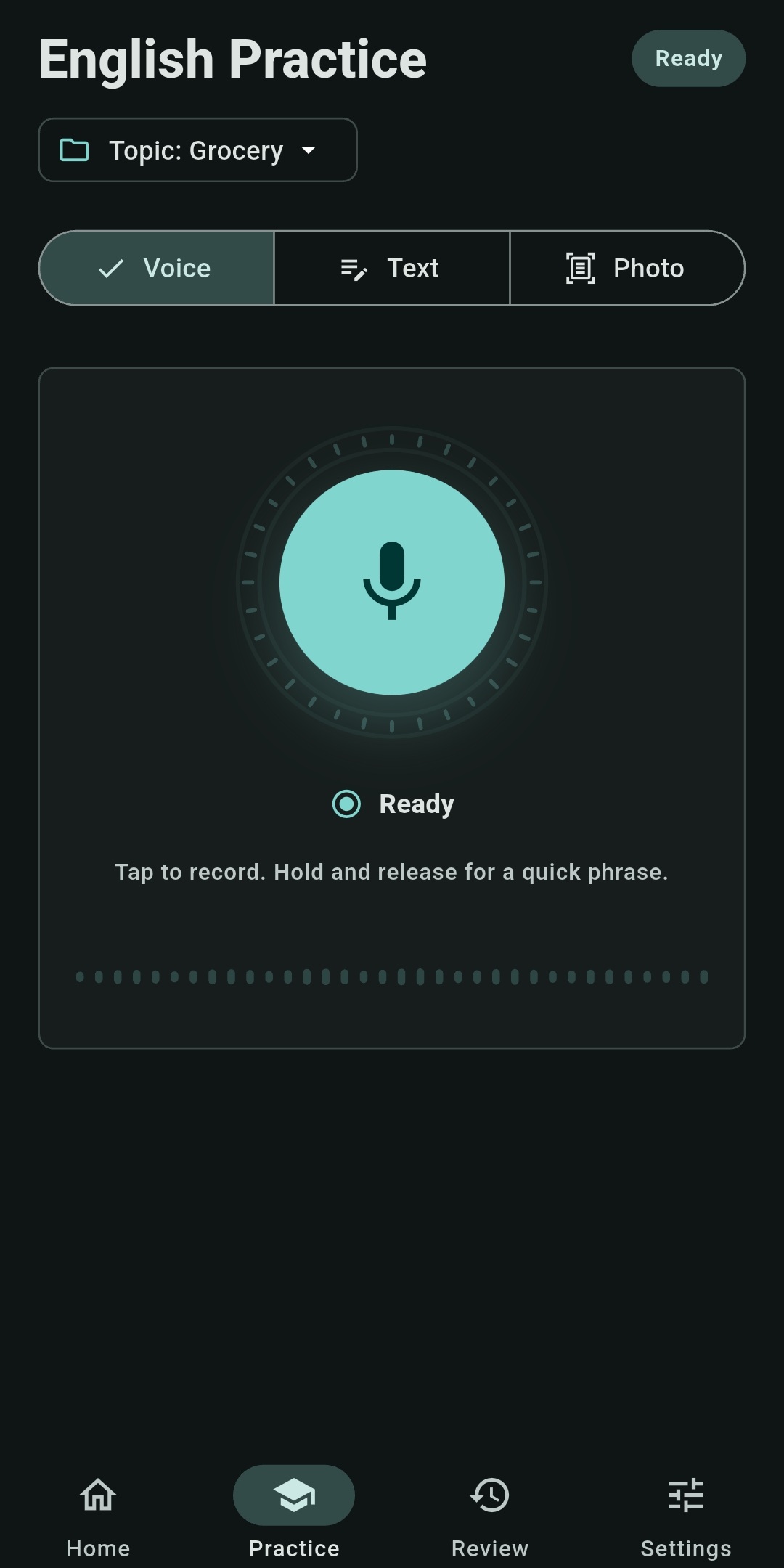
Record your voice, type a sentence, or scan English text from a photo. Get a correction, hear a natural alternative, repeat it, and save useful phrases for review.
Core practice runs entirely on-device and remains available without an internet connection after the initial setup.
On-device AICorrections run locally
No accountYour practice is stored on your phone
Offline after setupNo connection needed for core practice
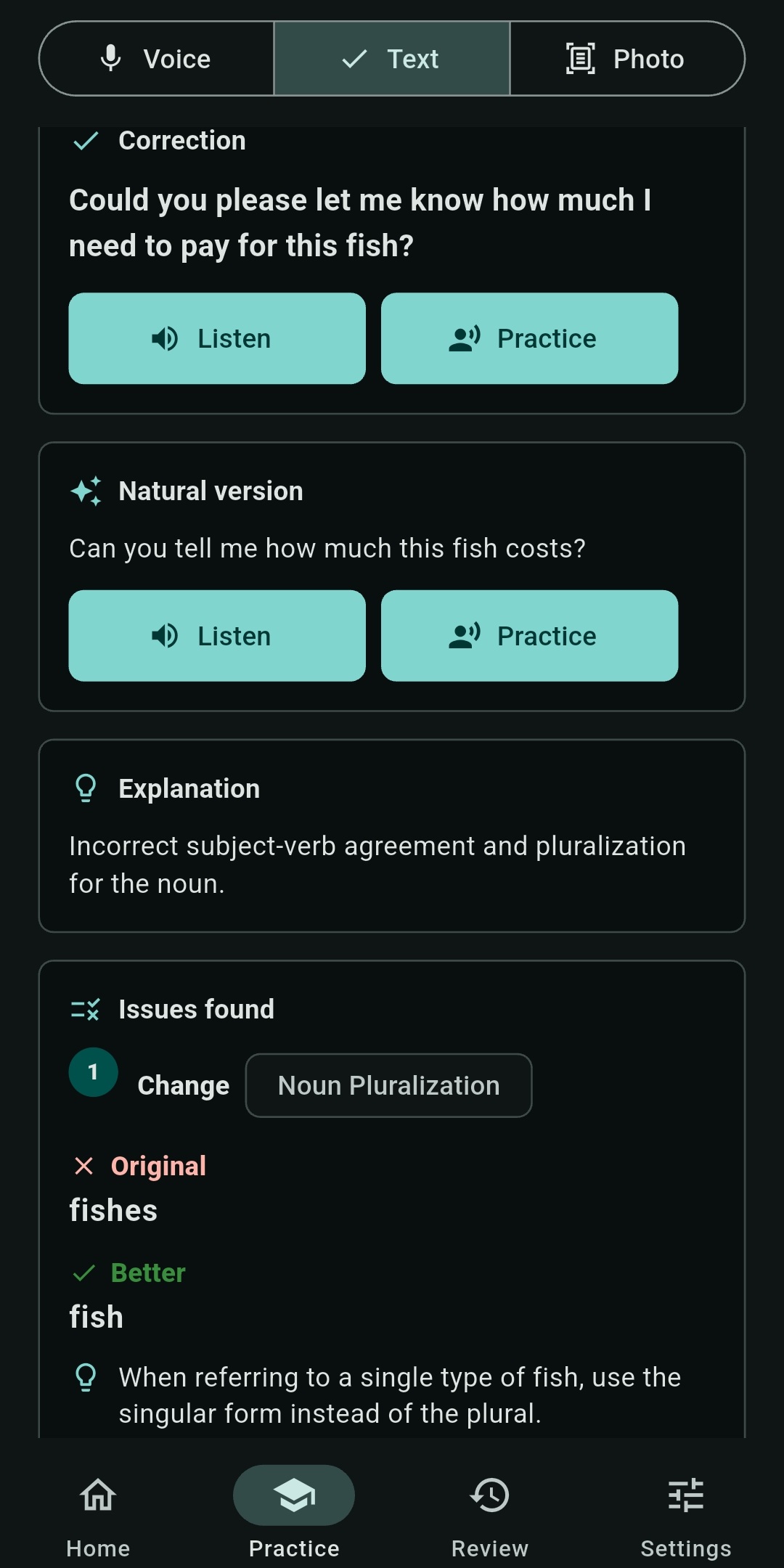
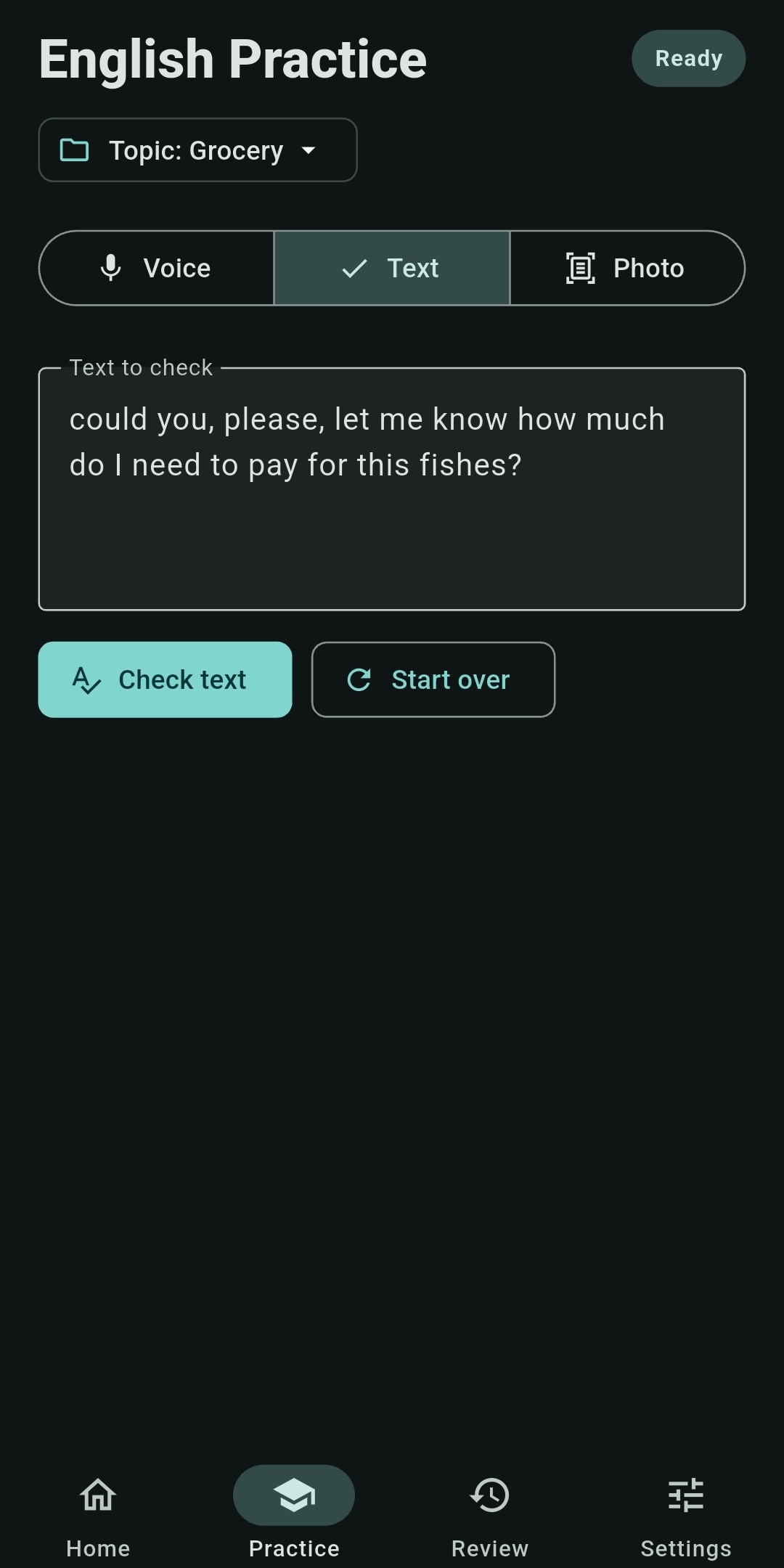
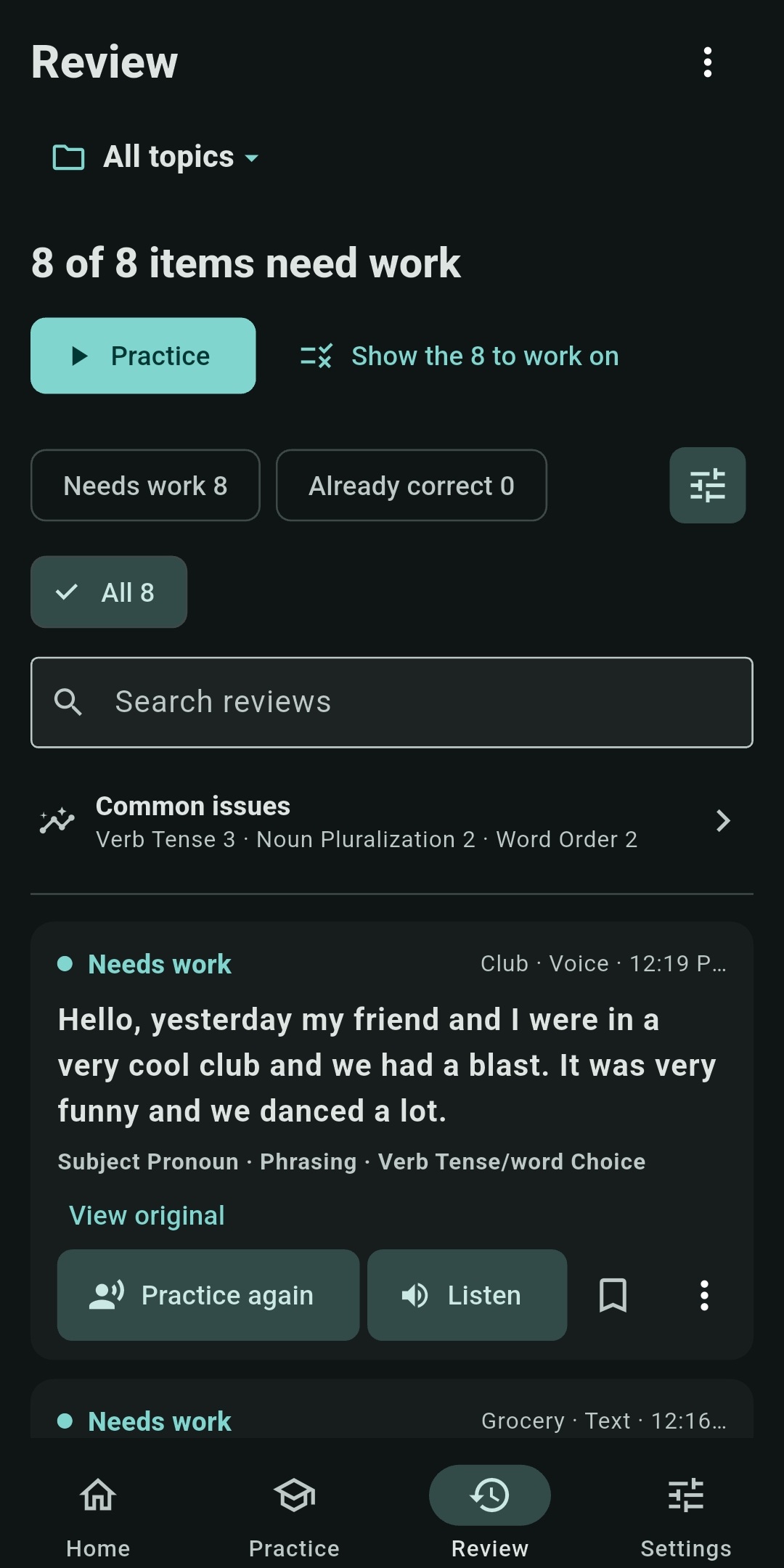
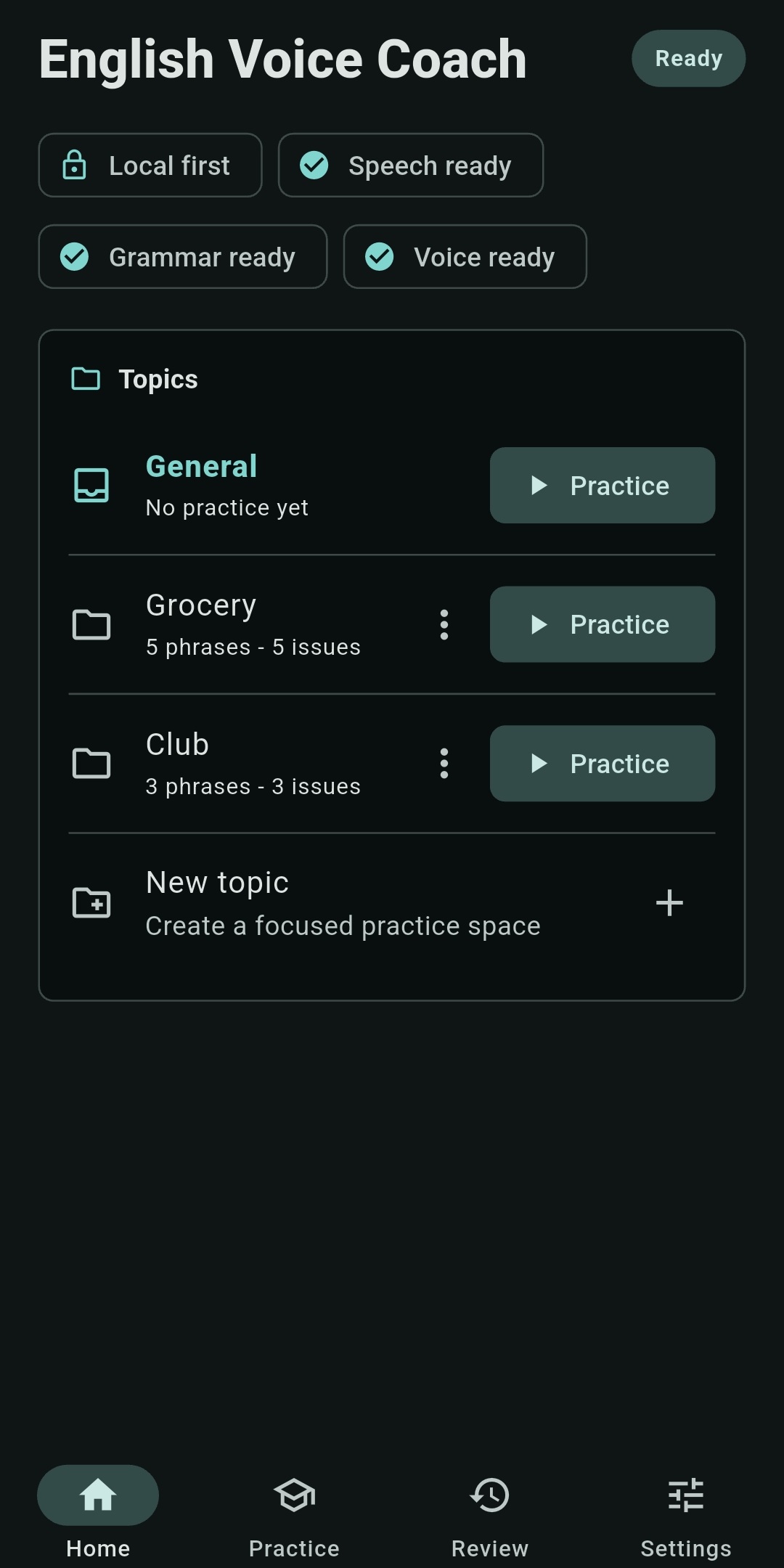
The actual app
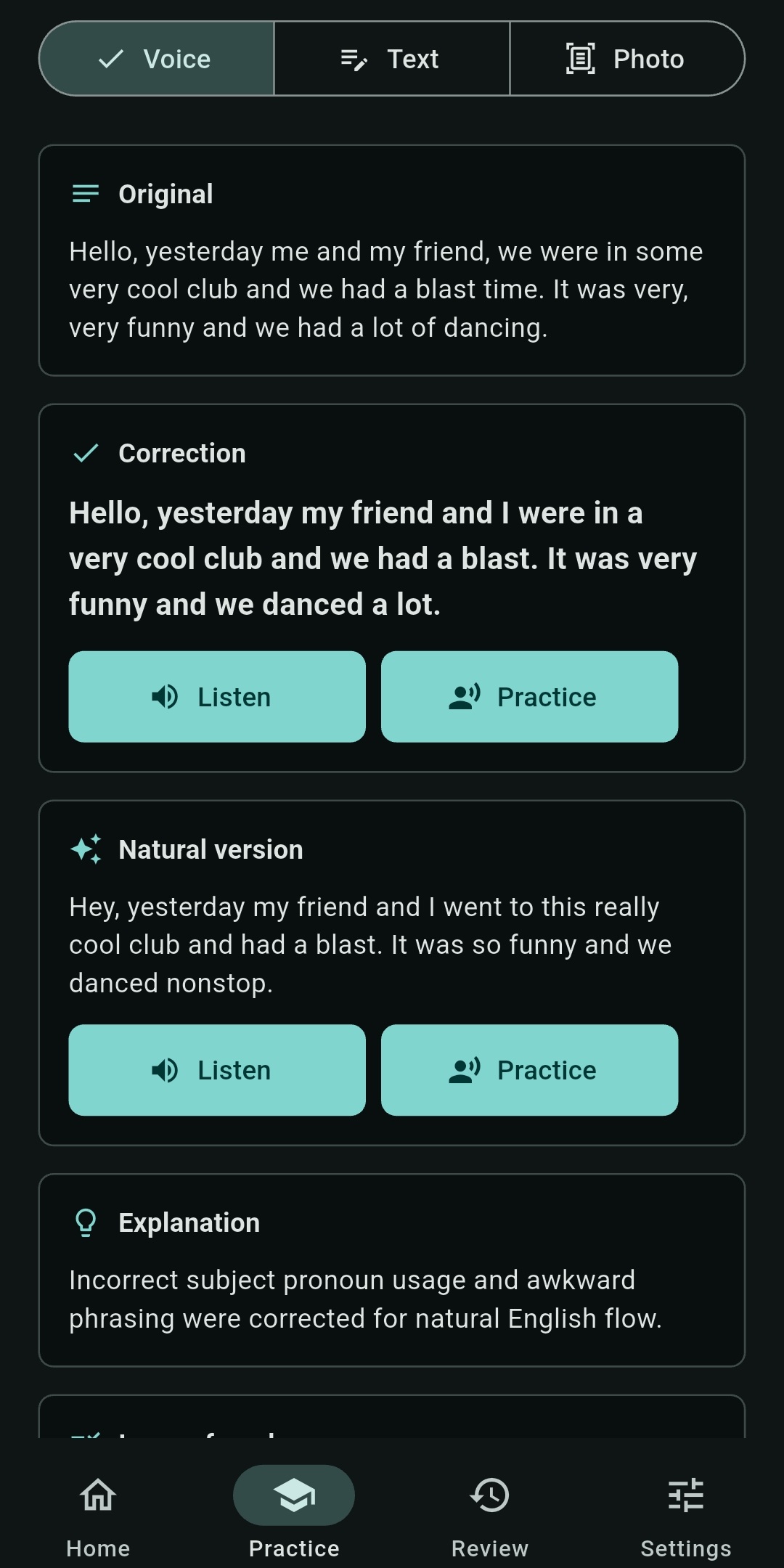
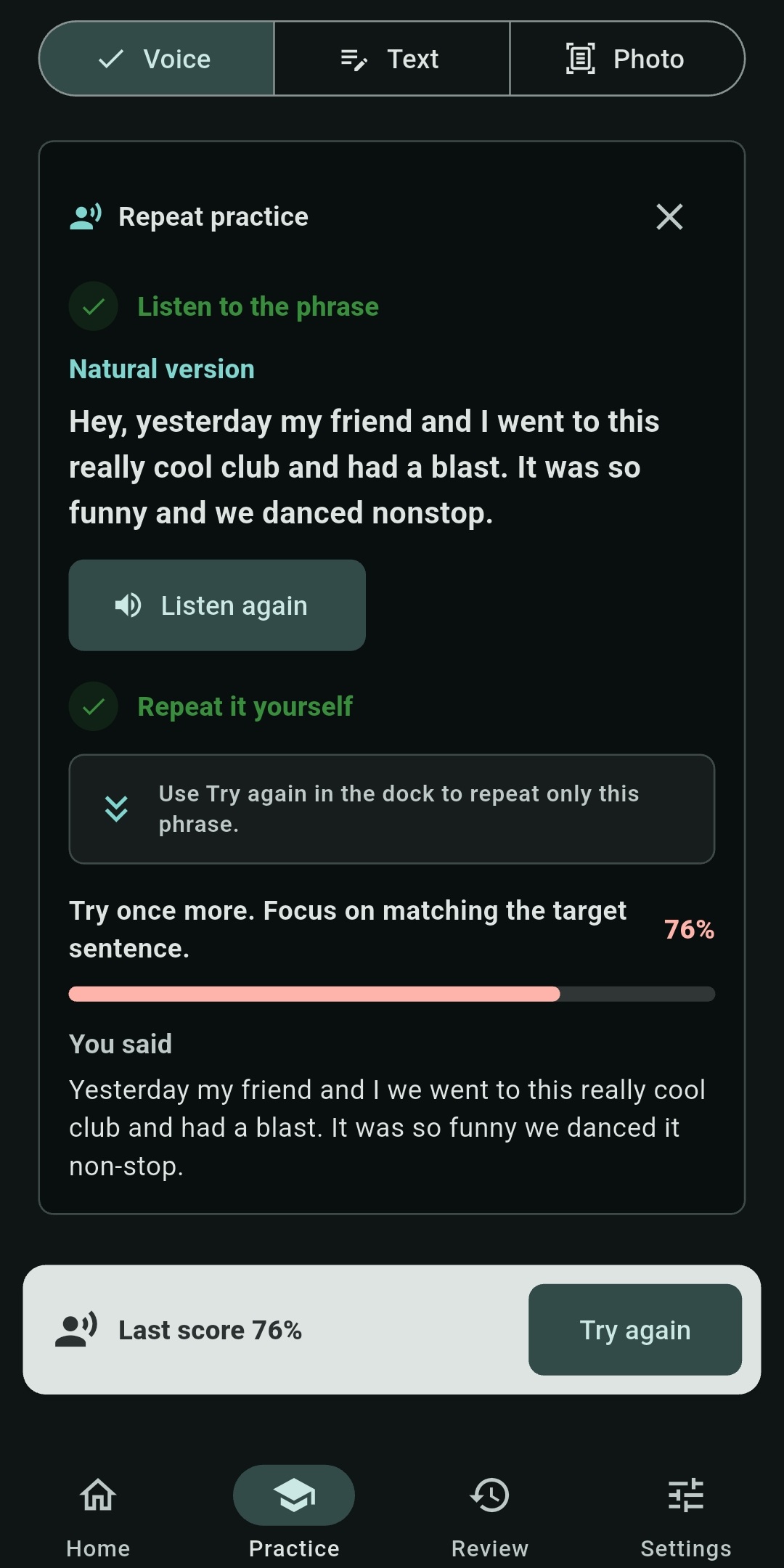
These are real screens from the current Android build—not illustrations or interface mockups.
A short practice loop
English Voice Coach is designed for focused practice rather than an open-ended chatbot conversation.
Record a phrase, type a sentence, or scan English text from a photo.
Review the correction, a natural alternative when useful, and a simple explanation.
Listen to the improved phrase and say it back while it is still fresh.
Save useful phrases by topic and return to the ones that need more practice.
Google Play closed test
The AI runs on the phone, so this test is most useful on modern hardware. A correction takes about 20 seconds on a top-end phone and may take longer on other devices.
In your email, include the Google account address connected to your Play Store. It will be used only to authorize closed-test access. Do not post it publicly.
Private by design
The app uses local files for speech recognition, grammar help, and voice playback. Internet access is needed to download or repair those files and when you explicitly choose to send a generated-feedback report.
There is no cloud transcription, cloud grammar checking, or cloud photo upload in the current app.
The current app has no account login, advertising SDK, or third-party analytics SDK.
Topics, corrections, and saved phrases are stored locally, with controls in Settings to remove local app data.
See it before you test it